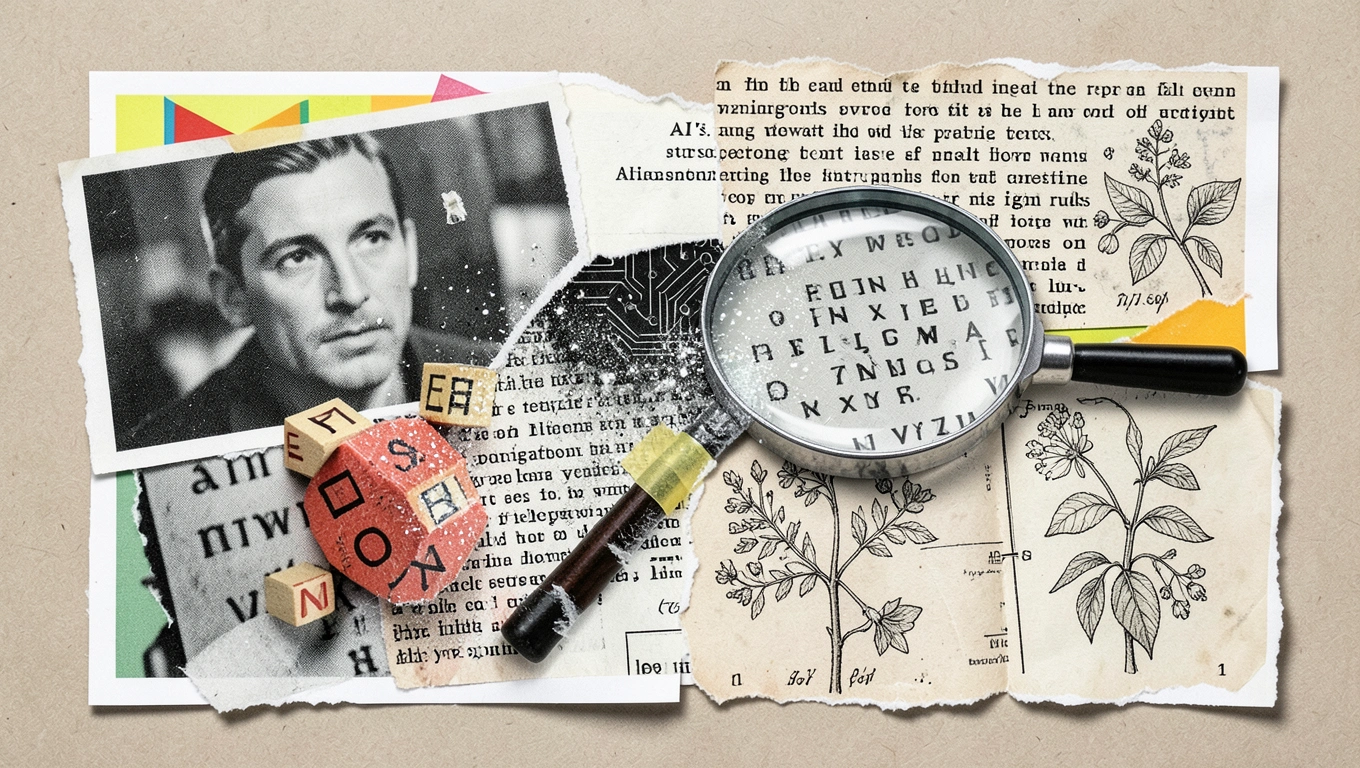
You’ve probably noticed it by now – you feed an AI image generator a detailed prompt, maybe asking for a vintage coffee shop sign or a futuristic billboard, and the result looks stunning except for one glaring problem: the text is complete nonsense. Letters melt into each other, words spell gibberish, and what should read “OPEN” might come out as “OPFN” or “OEPN” or something that isn’t even close. It’s frustrating, especially when everything else in the image looks photorealistic. So why does AI struggle so much with something humans master in kindergarten? The answer lies in how these systems actually see and create images, and understanding it helps explain why even the most advanced AI tools still can’t reliably spell.
How AI Sees Text as Texture, Not Language
When you look at a word, your brain instantly recognizes it as meaningful symbols arranged in a specific order. AI image generators don’t work that way at all. These systems process text as visual patterns or textures made of pixels, not as linguistic elements with meaning. To an AI model, the letter “A” is just a collection of light and dark pixels forming a particular shape, no different from how it might process the texture of tree bark or the pattern on a brick wall.
This fundamental difference in perception creates the core problem. The AI doesn’t understand that letters have to follow specific rules, that they combine in certain ways to form words, or that those words need to make sense. It’s attempting to recreate visual patterns it’s seen before without any grasp of grammar, spelling, or even the concept that these shapes represent sounds and ideas. Imagine trying to copy Chinese characters if you’d never studied the language – you might get the general shape roughly right, but the precise strokes and proportions would likely be wrong. That’s essentially what’s happening when AI tries to render text.
The Diffusion Process Works Against Precision
Most modern AI image generators use something called diffusion models. These systems create pictures by starting with random noise and gradually refining it, removing that noise step by step until a clear image emerges. The process happens across the entire canvas at once, working at the pixel level rather than constructing individual elements sequentially.
This approach works beautifully for organic, flowing subjects like faces, landscapes, and objects where slight variations don’t matter much. A tree that’s slightly different from real trees still looks like a tree. But text requires absolute precision – every letter needs exact formation, consistent spacing, and proper alignment. The diffusion process doesn’t naturally lend itself to this kind of exactness. It’s smoothing and blending pixels across the whole image, which tends to blur the sharp, defined edges that readable text demands.

Think of it like trying to write neatly while someone’s shaking your hand. The fundamental motion is there, but the precision gets lost. The AI isn’t “typing” letters one by one with careful attention to each character. Instead, it’s trying to materialize the entire word or phrase all at once from visual noise, and that process just doesn’t suit the precise, structured nature of written language.
Next Level: If you absolutely need readable text in an AI-generated image, create the image without text first, then add the words afterward using traditional graphic design tools like Photoshop or Canva. This hybrid approach gives you the creative visual power of AI while maintaining the precision that text requires. You can also try dedicated AI tools that specifically focus on text rendering as a separate feature from image generation.
Training Data Tells the Story
AI image generators learn by studying millions or billions of images during their training phase. They get really good at whatever they see most often in that training data. The problem is that images containing clear, readable text make up a relatively small portion of that vast dataset compared to photos of people, nature, objects, and scenes without prominent text elements.
When text does appear in training images, it’s often incidental – street signs in the background, book spines on a shelf, or product labels that are out of focus. The AI rarely sees examples where crisp, perfectly formed text is the primary focus and purpose of the image. This means it simply hasn’t had enough practice with accurate text rendering to get good at it. As explained by experts analyzing this issue, legible text appears far less frequently in training sets than other visual elements.
There’s also the technical challenge of how prompts get translated. When you type words into an AI image generator, the system converts your text into something called tokens – mathematical representations of concepts. This translation process handles ideas and visual concepts well, but it doesn’t preserve exact character sequences. The AI understands you want “a sign that says COFFEE” as a concept, but the precise sequence C-O-F-F-E-E doesn’t translate reliably through the tokenization process into the final pixel-level rendering.
Why This Matters for Creators and Users
The text problem isn’t just a technical curiosity – it has real implications for anyone using AI image tools. If you’re a small business owner hoping to generate social media graphics, a content creator making thumbnails, or a marketer developing visual campaigns, you’ve probably hit this frustration wall. You can create stunning backgrounds, perfect compositions, and photorealistic subjects, but the moment you need a readable headline or label, the AI lets you down.
This limitation also reveals something important about the current state of AI technology. These tools are incredibly powerful at pattern recognition and creative synthesis, but they still struggle with tasks that require precise, rule-based execution. Text isn’t creative or interpretive – it follows strict conventions that don’t allow for artistic license. An “almost correct” letter is wrong, full stop. This kind of binary, exact requirement remains challenging for systems built on probabilistic pattern matching.
Understanding this limitation helps set realistic expectations. AI image generators are amazing tools for visual exploration, concept development, and creating unique imagery. They’re less useful – at least for now – when your project requires precise typography or specific written content within the image itself. Knowing this upfront saves time and frustration, and helps you choose the right tool for the job.
Q&A
Will AI ever be able to generate perfect text in images?
Developers are actively working on this problem, and progress is happening. Some newer models incorporate specialized text-rendering modules or post-processing steps specifically designed to improve typography. As training methods evolve and models potentially integrate more understanding of language structure alongside visual processing, we’ll likely see improvement. However, it remains a fundamental challenge given how diffusion models work, so dramatic breakthroughs might require architectural changes to how these systems generate images rather than incremental refinements to existing approaches.
Why does text sometimes come out partially readable?
Short, common words occasionally render correctly because the AI has seen those specific visual patterns countless times in training data. Simple words like “STOP” on stop signs or “OPEN” on shop doors appear frequently enough that the model has strong pattern recognition for those exact letter combinations. However, even these familiar words often contain small errors – slightly malformed letters, inconsistent sizing, or spacing issues – because the AI still isn’t actually reading or spelling, just reproducing a memorized visual pattern.
Does the prompt I write affect how garbled the text turns out?
Your prompt does make some difference, though probably less than you’d hope. Being very specific about the text you want – including it in quotes, describing the font style, or emphasizing that it should be legible – can occasionally help the AI prioritize that element. However, the fundamental limitations remain regardless of prompt engineering. The system’s core architecture simply isn’t designed for precise text rendering, so even perfect prompts can’t fully overcome that structural constraint.
Are some AI image generators better at text than others?
Yes, there’s variation across platforms. Some tools have implemented workarounds or specialized features to handle text better, though none have completely solved the problem. A few commercial platforms now offer text-overlay features that use traditional rendering engines rather than generating text through the diffusion model itself. When choosing an AI image tool, it’s worth testing how it handles text for your specific needs, but generally you should plan to add critical text elements manually after generation rather than relying on AI to spell them correctly.
For Conclusion
The garbled text problem in AI images isn’t a simple bug that developers can quickly patch – it reflects something deeper about how these systems work. AI image generators excel at understanding visual concepts, composing scenes, and creating convincing textures and forms, but they fundamentally process text as patterns rather than language. Combined with training data that underrepresents clear text, diffusion processes that work against precision, and tokenization that doesn’t preserve exact character sequences, you get the frustrating jumble of almost-letters we’ve all seen.
This limitation actually offers valuable perspective on AI capabilities more broadly. These tools aren’t magic – they’re sophisticated pattern-matching systems with specific strengths and weaknesses. Knowing where those boundaries lie helps you use AI effectively as one tool among many, rather than expecting it to handle every aspect of creative work. For now, the best approach combines AI’s strengths in visual generation with traditional design tools for text, creating a workflow that leverages the best of both worlds. As the technology evolves, we’ll likely see improvement, but understanding why the problem exists helps set realistic expectations and find practical solutions today.